For intuitive, efficient 3D point cloud capture, processing and registration featuring Interactive Registration and Hybrid Registration
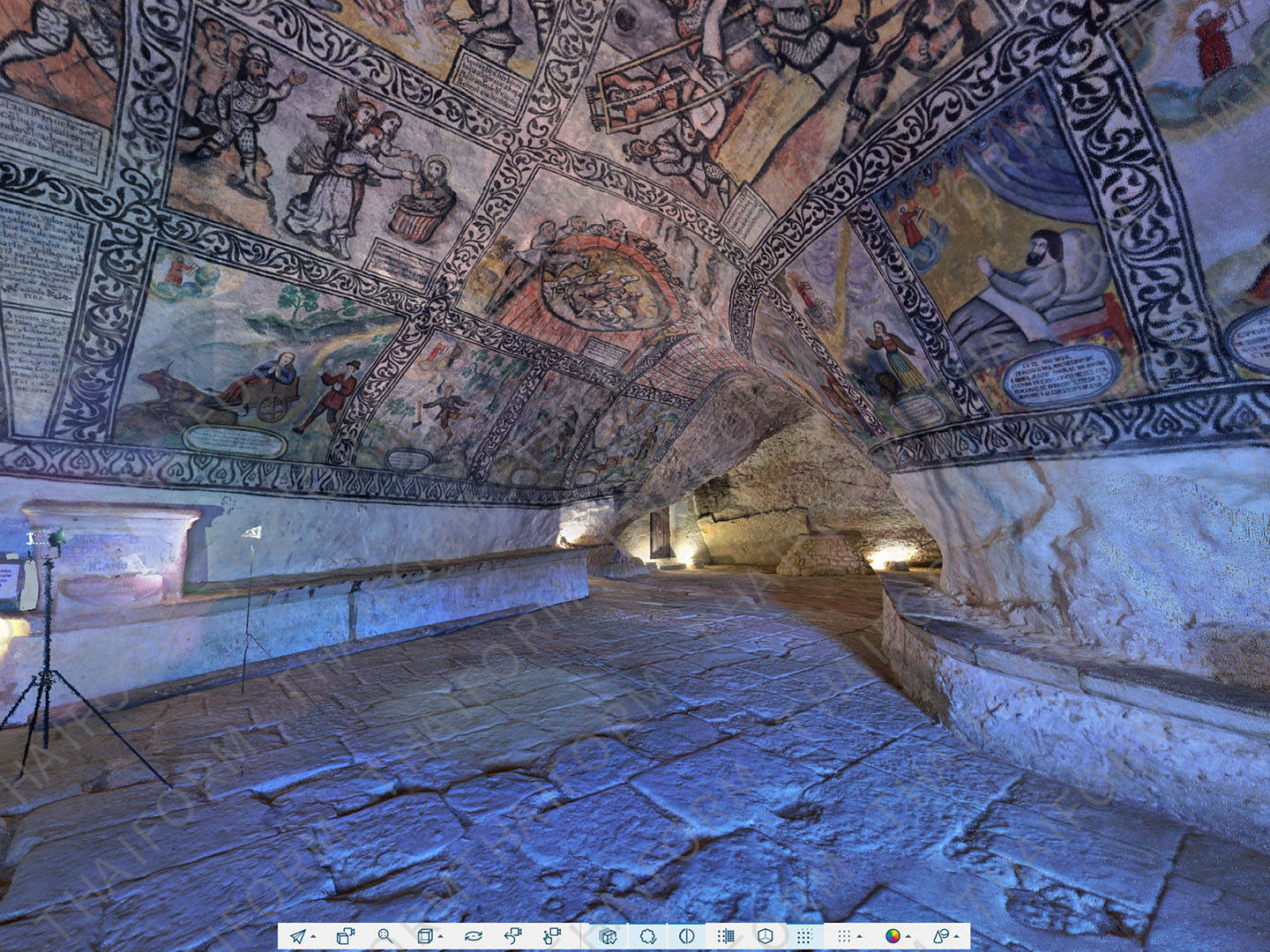
So, you’ve taken 3D laser scans of the building you want to document, or you’ve captured the on-site data you need to preserve a crime or crash scene. Now what? FARO SCENE Software is where data processing and scan registration happens. With 3D SCENE Software, users can create stunning 3D visualizations of real-world objects and environments and export that data in various formats. SCENE also features an impressive virtual reality (VR) view, allowing users to experience and evaluate captured data in the VR environment.
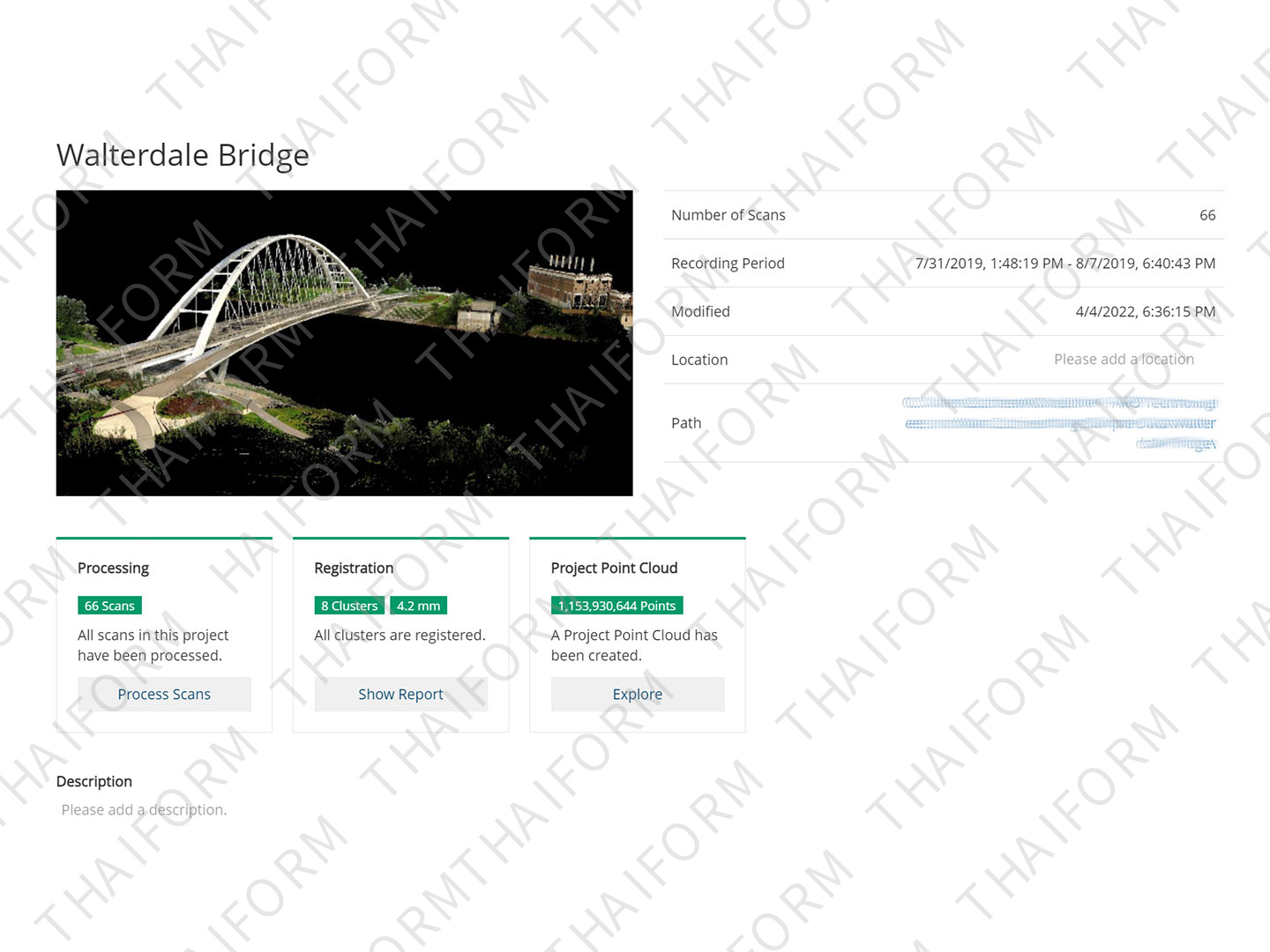
With SCENE users can also benefit from two key features: Interactive Registration and Hybrid Registration. Interactive scan registration provides an easy-to-use graphical user interface, allowing users to visualize how individual scans are linked together during the registration process and to manually control how those linkages are made. Hybrid registration allows cloud-to-cloud, targets, and survey control to be used together, separately or in various combinations.
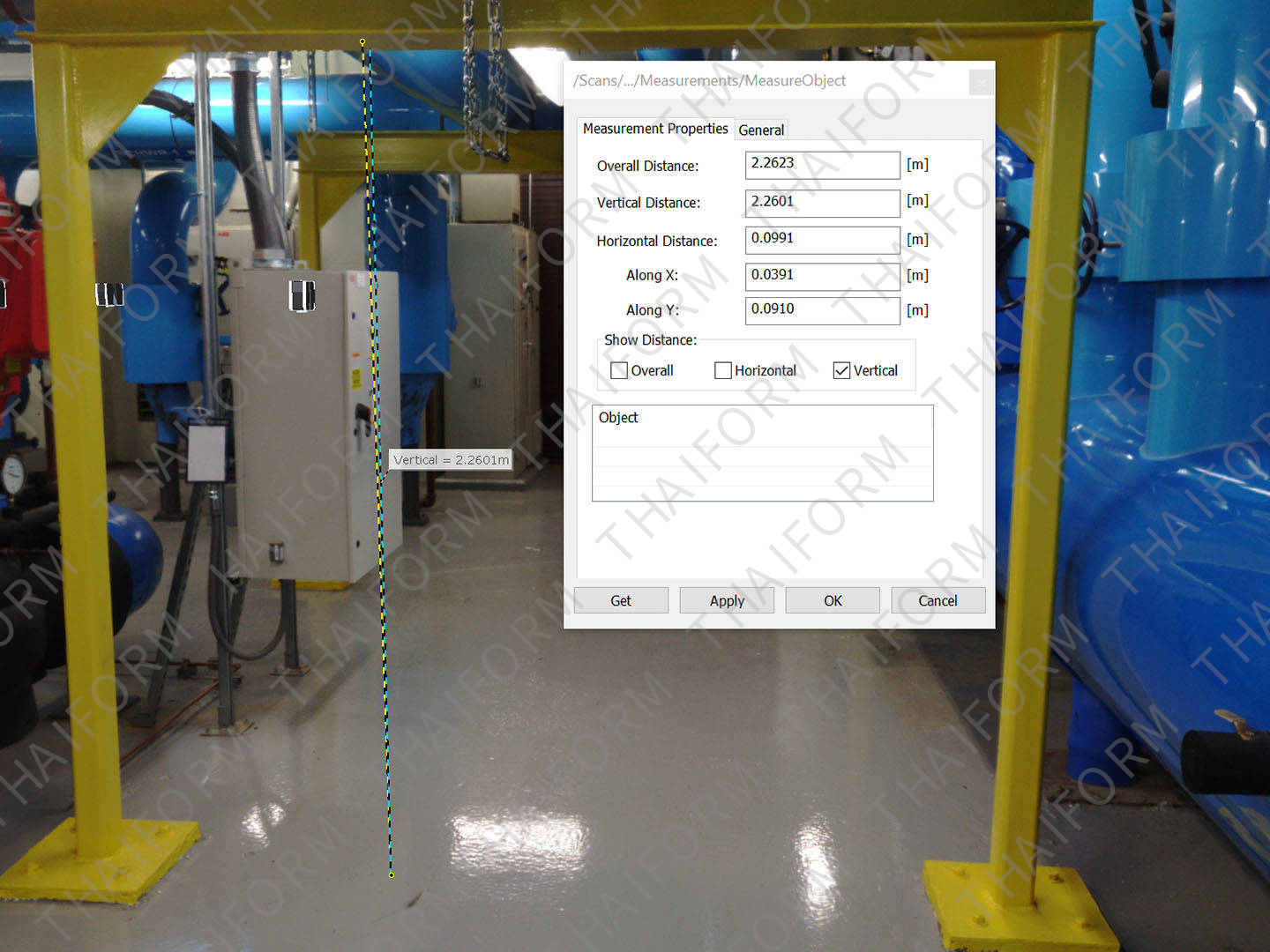
Get the Most Out of Your FARO Scanners
This powerful software pairs with FARO Focus Laser Scanners, the Focus Swift Indoor Mobile Scanner, the Freestyle 2 Handheld Scanner, and the new FARO Orbis Mobile Scanner to enable data visualization, management, cleaning and registration.
Only Visit a Site Once
SCENE captures all the data you need on the first visit, so you can explore it digitally with project stakeholders in panoramic views, 3D fly-throughs and virtual-reality tours.
Share and Collaborate
Web-based services via Sphere XG for easy and secure sharing of scan project data, lets you collaborate with others anytime, anywhere.
Save Time
Automatic data processing, filter and registration functions provide a high-quality digital representation of reality at a glance.
Work with Confidence
Real-time on-site registration lets you leave the scanning site knowing you’ve captured all the data you need for later analysis.
Control Data Quality
Versatile registration and validation tools deliver data within specified tolerances.
Intuitive user Feedback
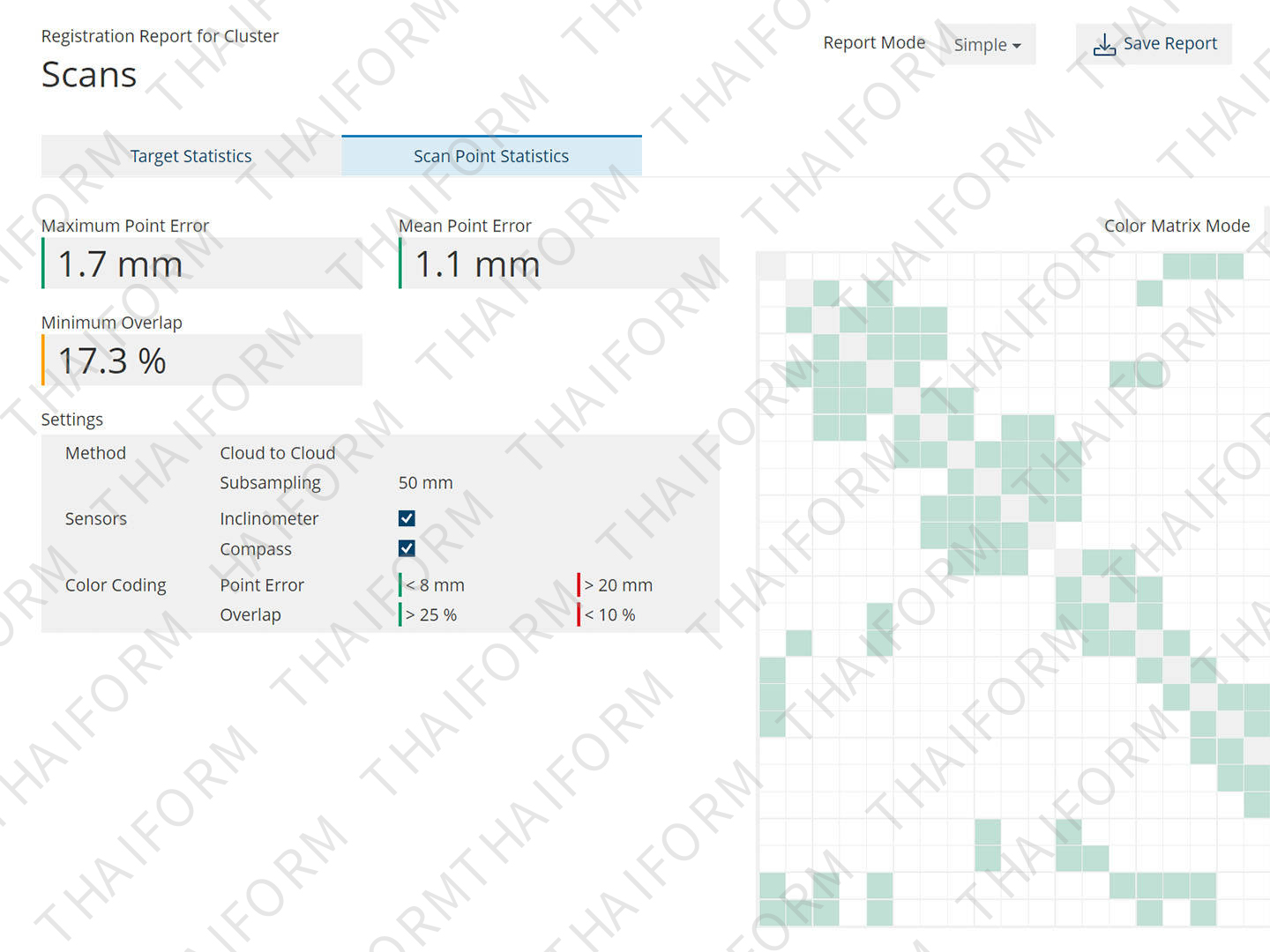
Graphical representation of registration results allows for controlling and improving final registration outcome, increasing confidence on mid to large-scan projects.
Improved Accuracy
Register your point cloud any way you like with cloud-to-cloud, targets, and survey control either as separate registration methods, or any combination you see fit to use.
End “Blackbox” data silos
Correct most registration errors — problems that today are difficult, if not impossible, to solve with most software.
Seamless Connectivity
Use the scanning data across the FARO software ecosystem. Convert scan data into usable CAD/BIM workflows with FARO As-Built™ Software. Ensure construction quality control with BuildIT Construction Software. And reconstruct, analyze and diagram forensic scenes with FARO Zone 3D Software.
Immersive Views
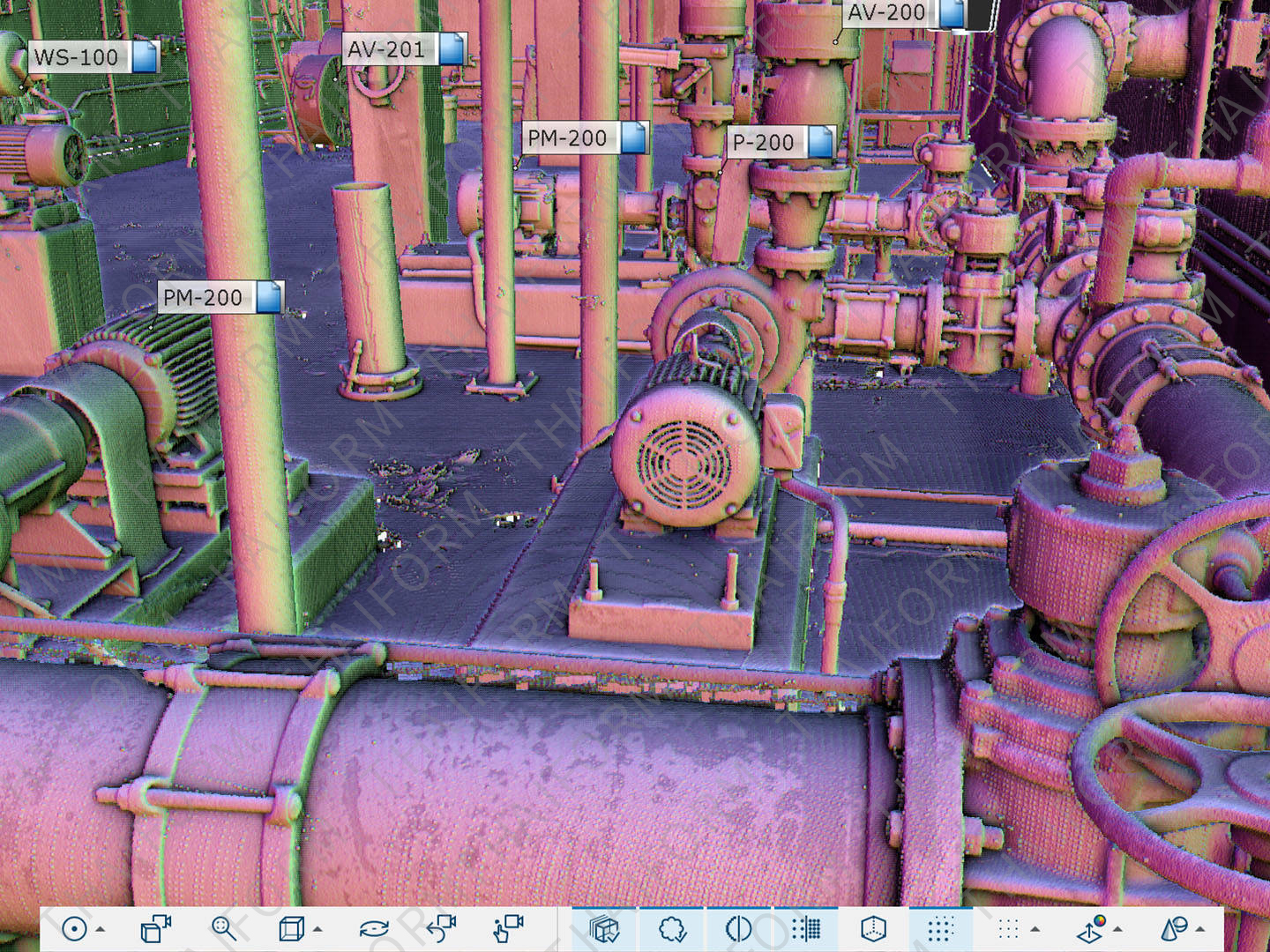
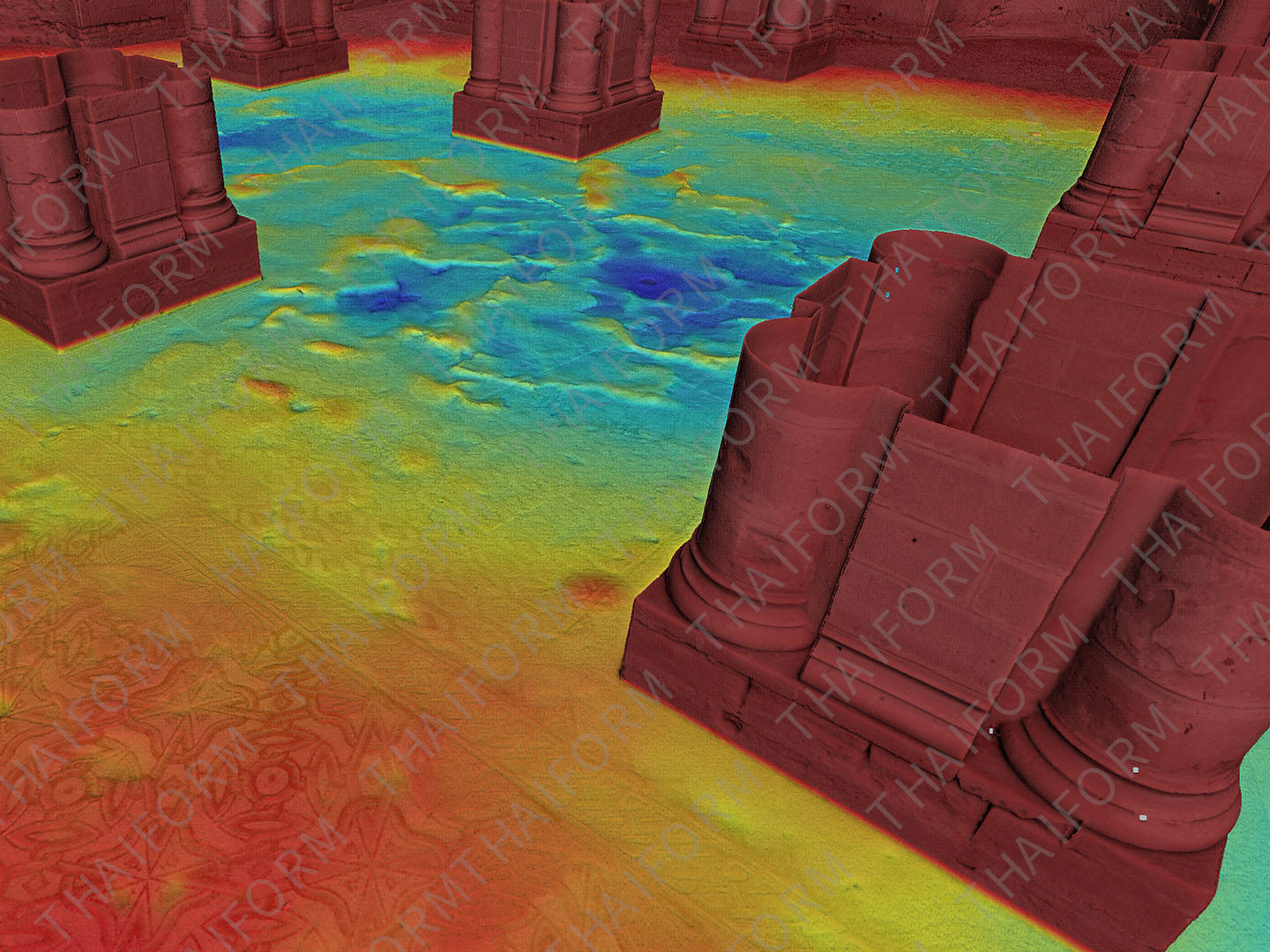
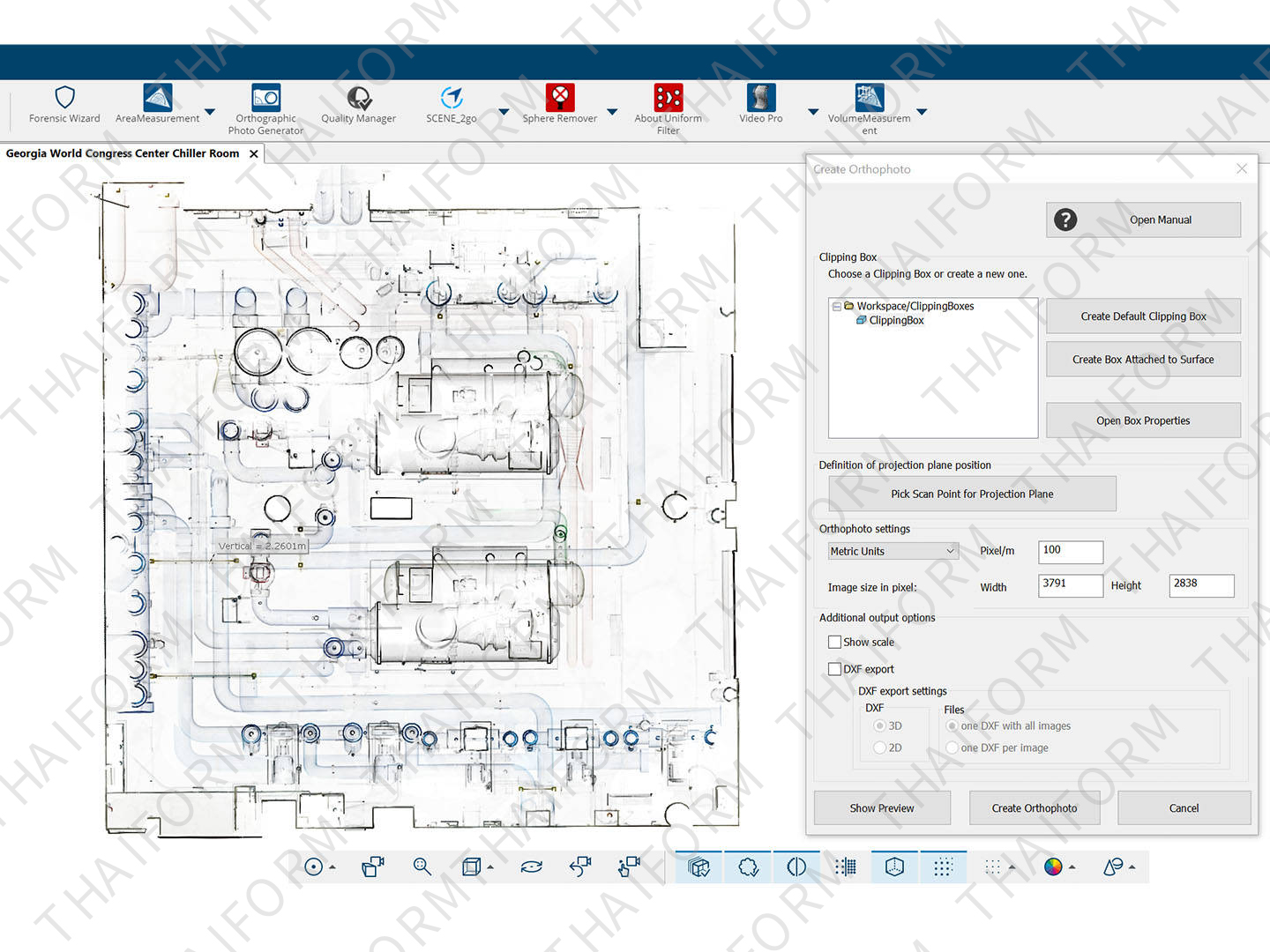
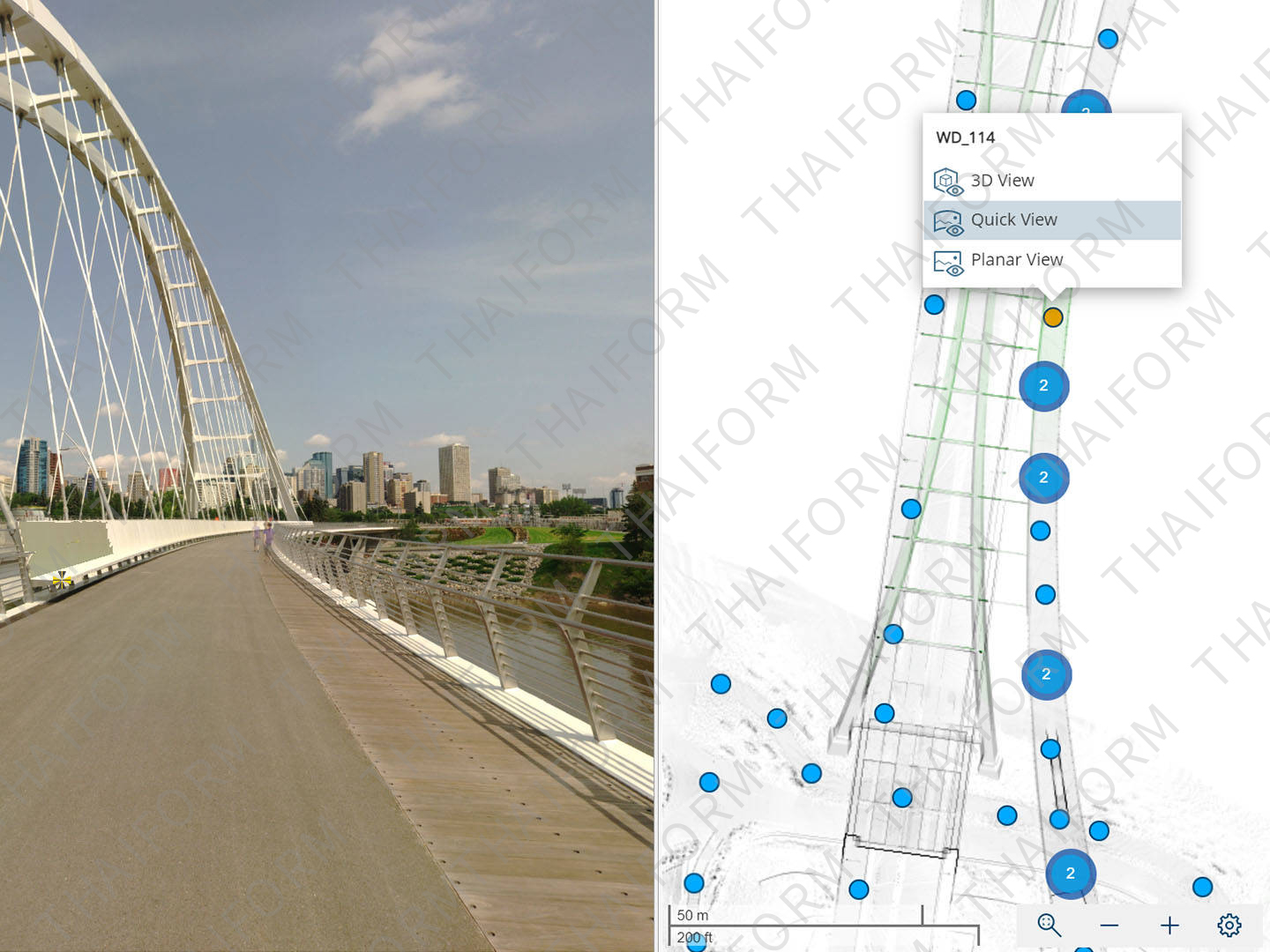
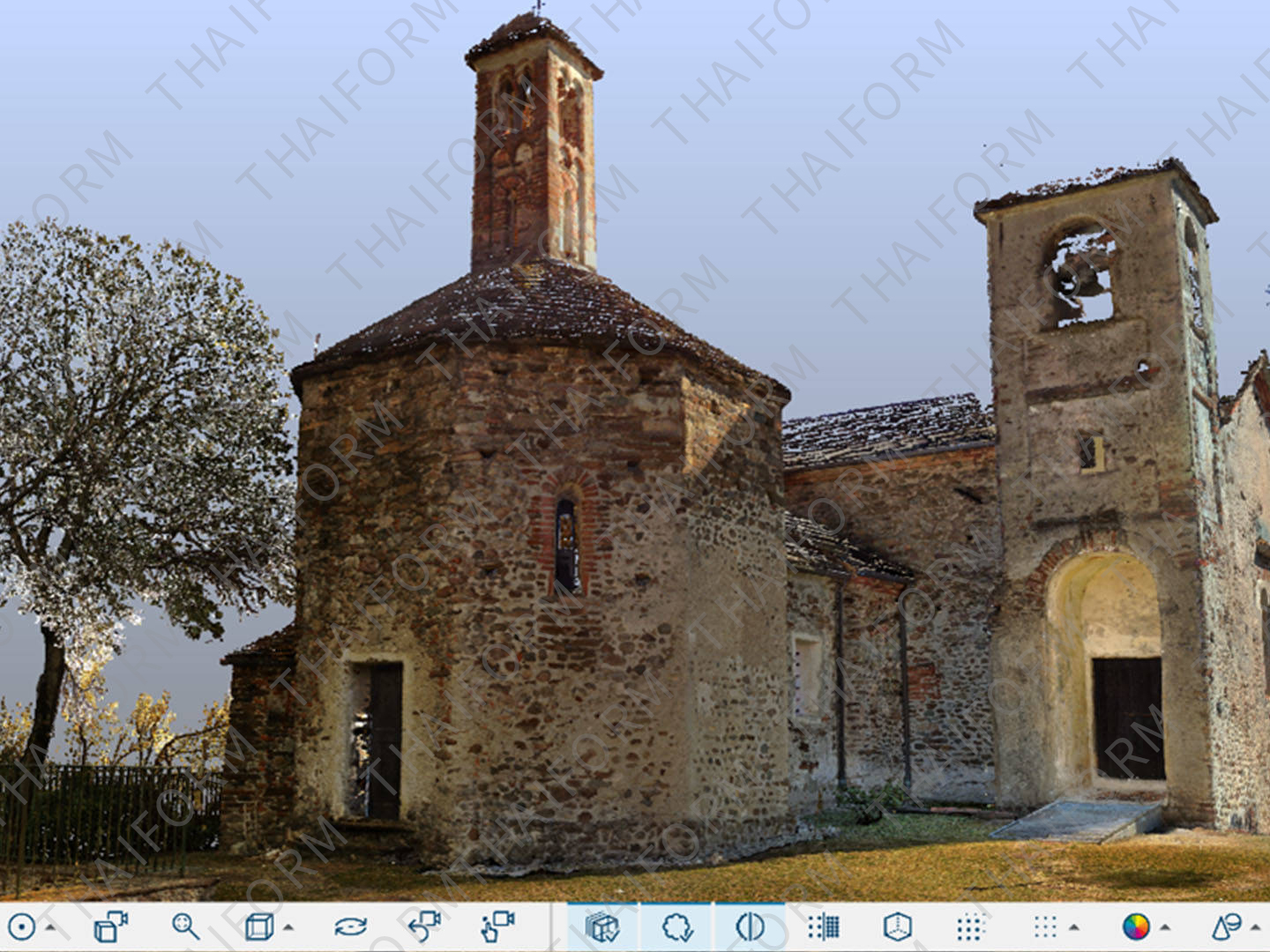
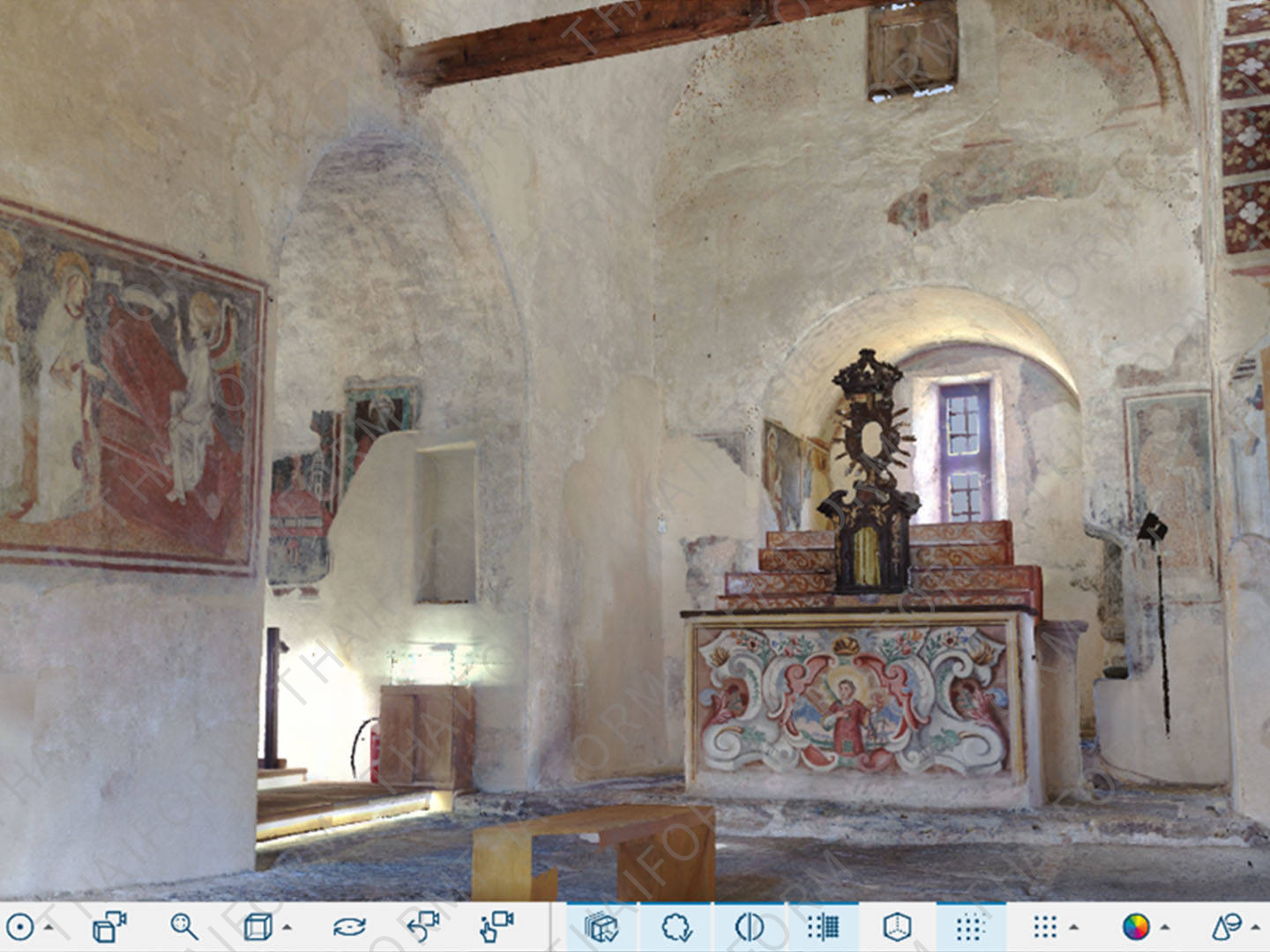
Explore scan data in 2D, 3D and VR, creating an immersive experience when viewing project point clouds of unlimited size in full detail.
Superior Navigation
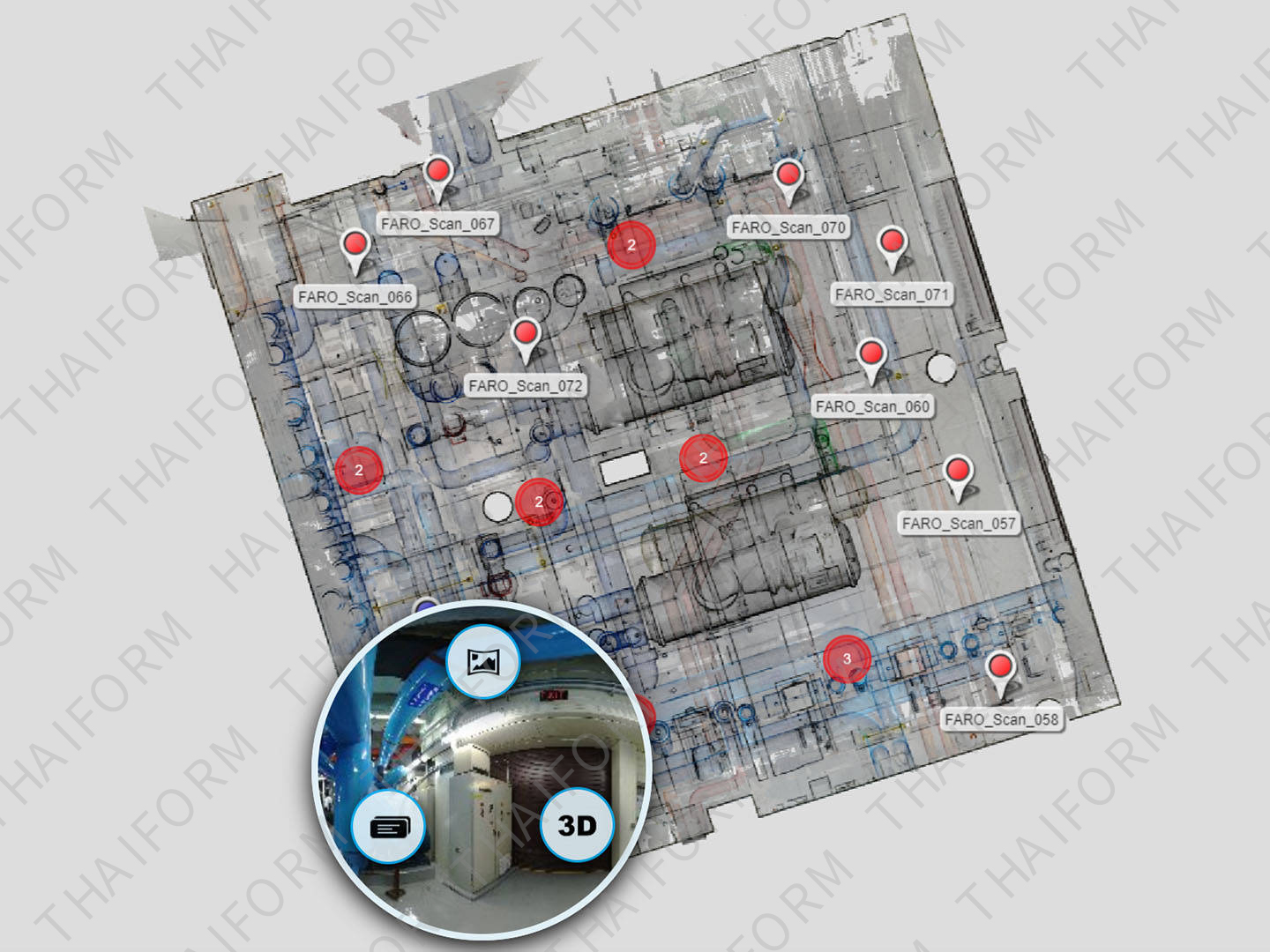
Navigate in 3D with predefined or customized viewpoints, overview map and user feedback to optimize the data render quality and performance.
Interactive Registration
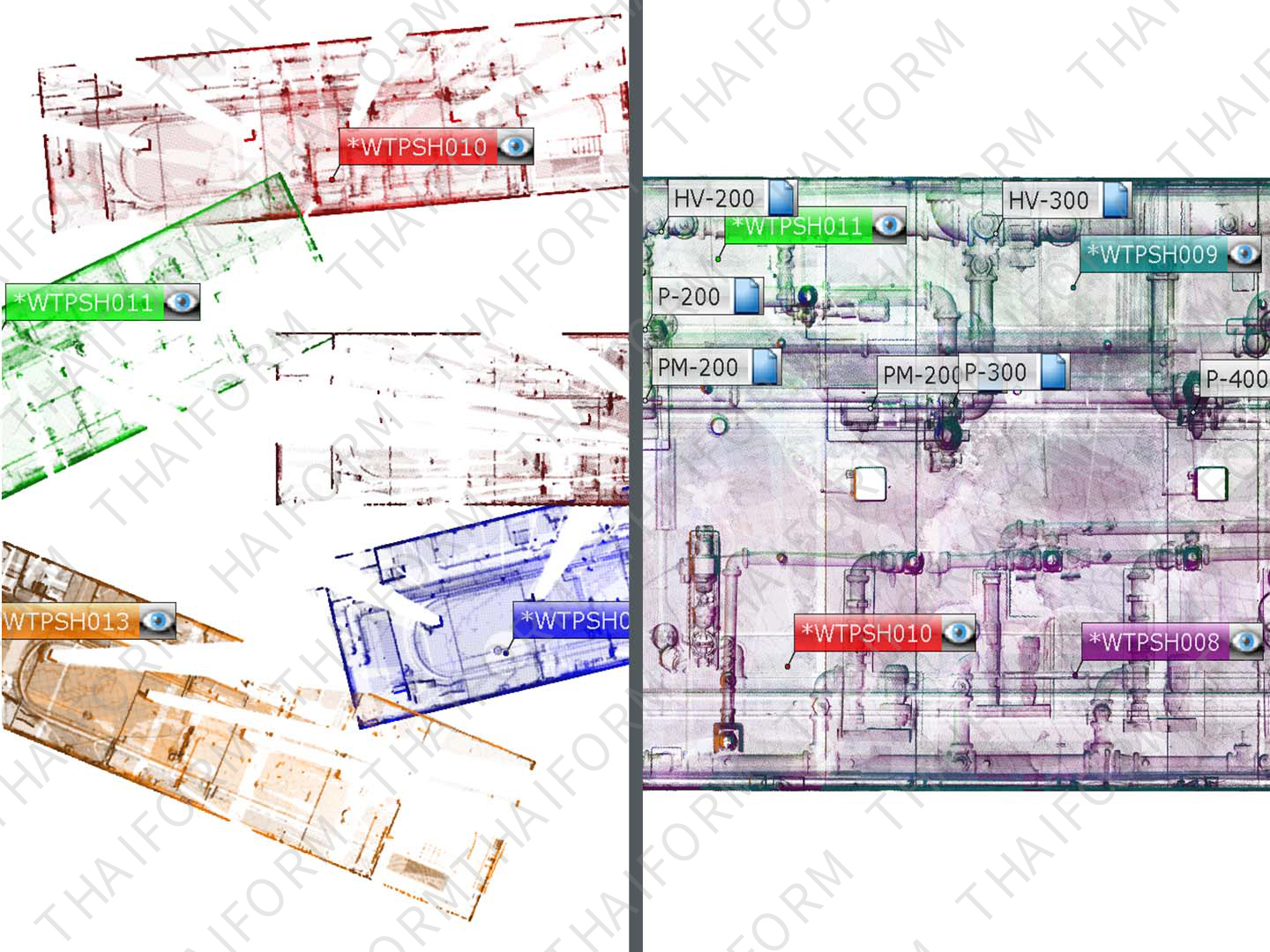
Use interactive registration to gain a real-time visual understanding of how SCENE “stitches” point clouds together. Connect the dots (scans) like never before and use manual tools to eliminate erroneous linkages, leading to cleaner data and better final results.
Efficient Data Processing
Use various tools for scan data filtering to improve cleanliness and color balancing.
Hybrid Registration
Use hybrid registration to enable faster registration thanks to a new scan optimizer, improving registration accuracy.
Automatic Search
Search for artificial spheres, checkerboards, coded markers or natural references (corner points and planes, etc.).
Intuitive Data Organization
Handle large projects efficiently with a hierarchical data structure and project history management.
Automatic Scan Coloring
Color scans from high-resolution color photographs or the Laser-HDRTM color option.
Sphere XG Integration
Upload projects with the Sphere XG service.
SCENE 2go App
Access the app from a USB flash drive for sharing projects with clients for data exploration.
Advanced Expert Tools
Advanced tools enable experienced surveyors to fine-tune SCENE's registration parameters.
Digital Capture of Forensic Scene
Using a laser scanner to digitally capture a crash, crime or fire scene is the best way to accurately preserve the evidence, but it generates a large amount of data. SCENE software is the best tool to process, register and manage that scan data, resulting in a visually impressive point cloud of the scene for crime scene investigation, fire and arson investigation, crash reconstruction and more.
Improved Safety Planning and Failure Investigation
Gain a more nuanced understanding of the scene and identify potential pre-incident risks that may save lives and prevent injuries in the future. The virtual 3D on-site viewing capabilities make SCENE a valuable tool for safety planning and failure investigation.
Fast, Accurate As-built Capture and Modeling
Scan-to-BIM has never been easier, as SCENE delivers real-world information right into the building information model. And by visualizing the precise geometries of existing properties as the basis for conversions or extensions, SCENE enables out-of-the-box thinking for different concepts of building use. Building is faster and more accurate with SCENE on your side.
Tel: +86 13621649661
E-mail: info@thaiform.com